WorkLedger for Android
Everything you need to manage workers, sites and project costs
From daily attendance and wages to site expenses, receipts and profit, WorkLedger brings your contractor records together in one offline-first Android application.
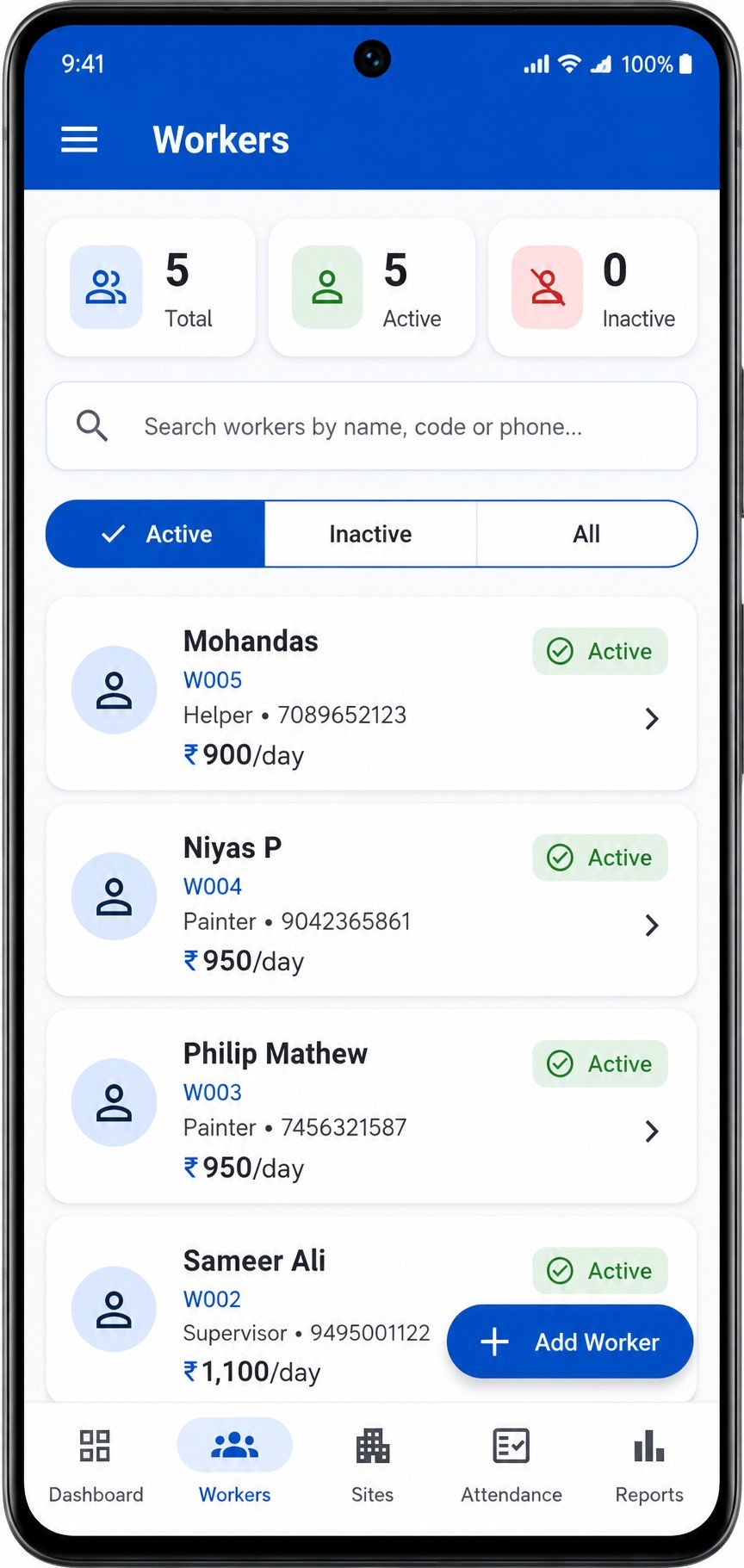
Workforce management
Keep every worker record organized
Maintain worker codes, contact details, job types and wage information in one clear workspace. Active and inactive workers stay organized, searchable and easy to review.
- Worker identity and contact records
- Job type and wage information
- Fast search across active and inactive workers
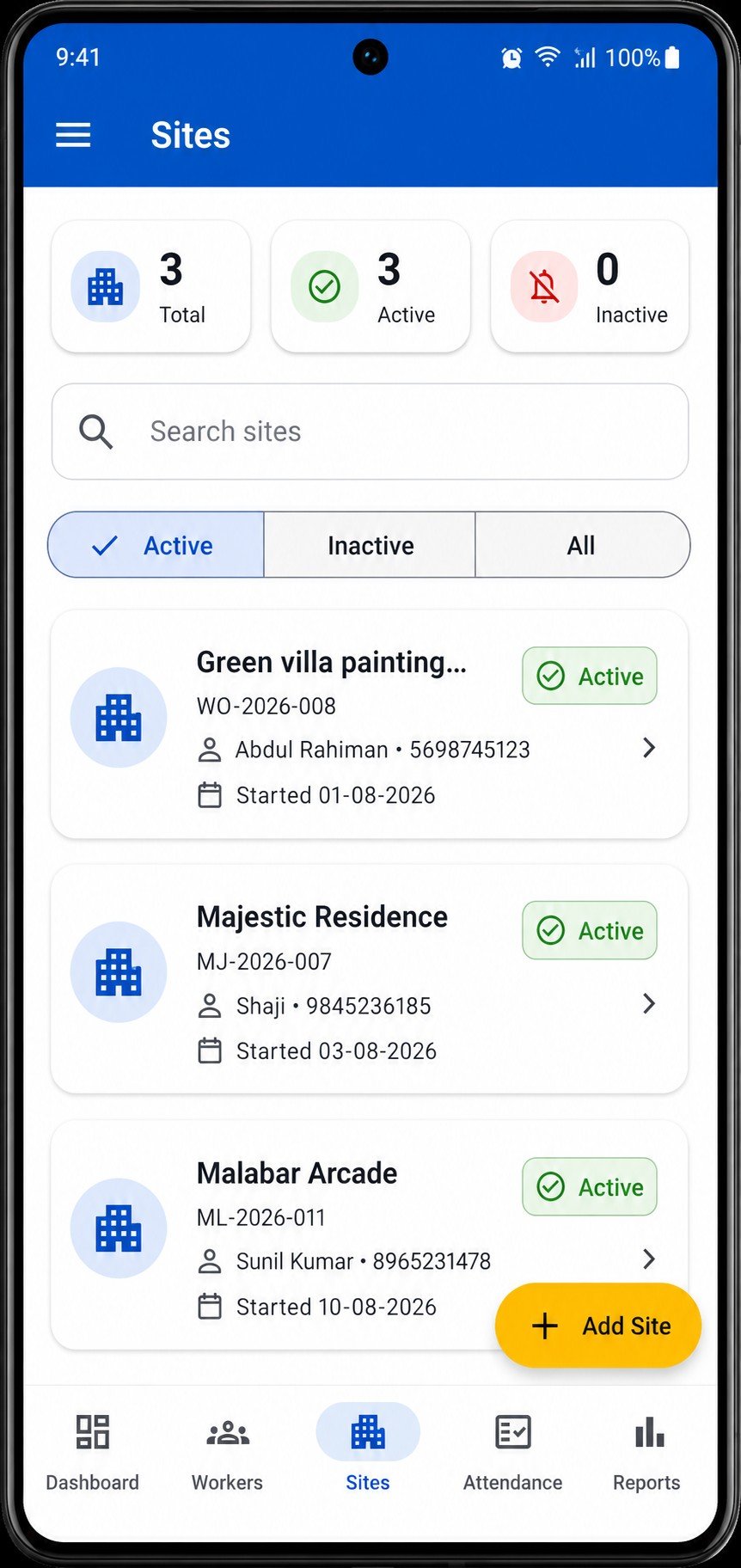
Site management
Bring every project into focus
Create and manage multiple work sites with the relevant site and client information. Track active and inactive projects, then connect attendance and financial activity to the correct site.
- Multiple sites and projects
- Site and client details
- Site-wise operational and financial records
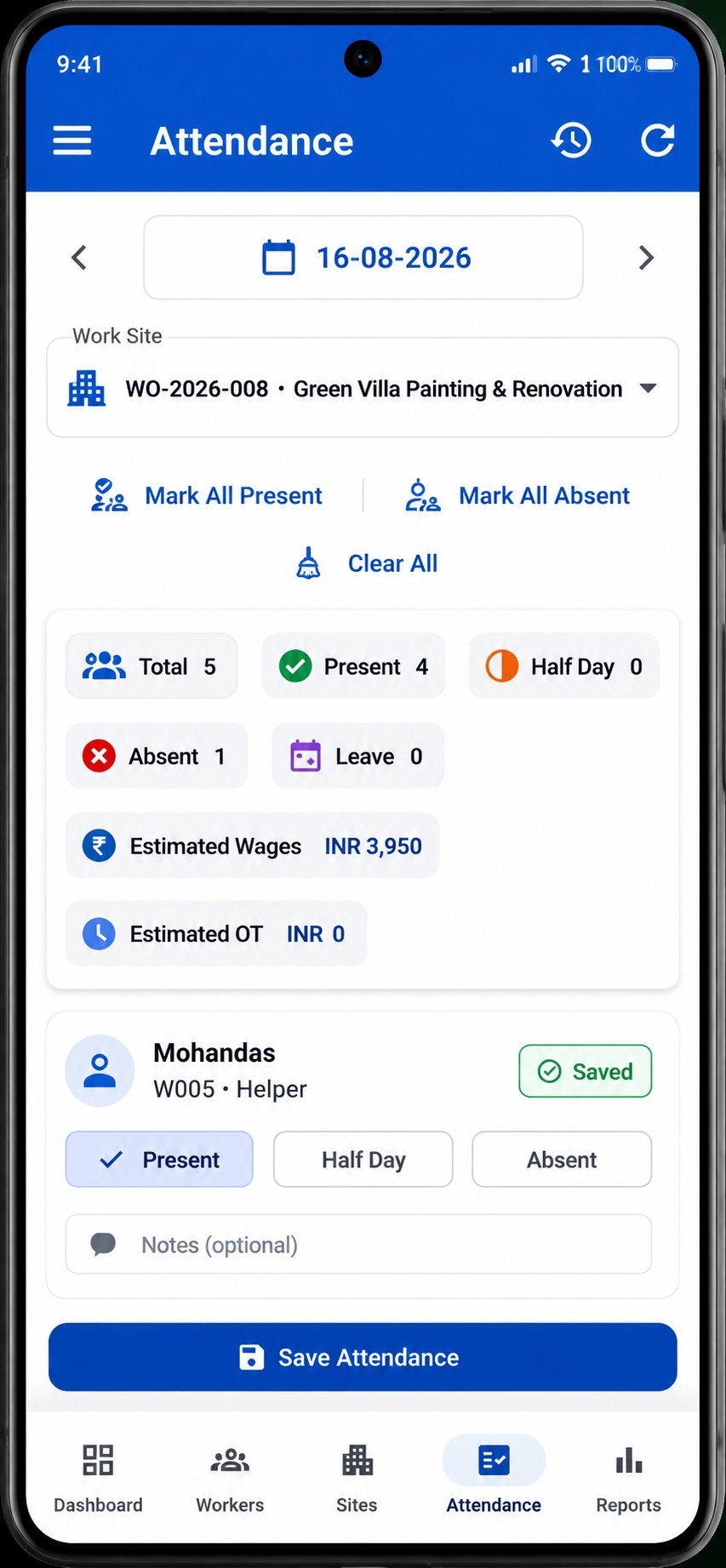
Attendance & overtime
Capture the working day clearly
Record daily, site-wise attendance as Present, Half Day, Absent or Leave, with overtime where applicable. Attendance history and reports make it easier to review the record over time.
- Present
- Half Day
- Absent
- Leave
- Overtime
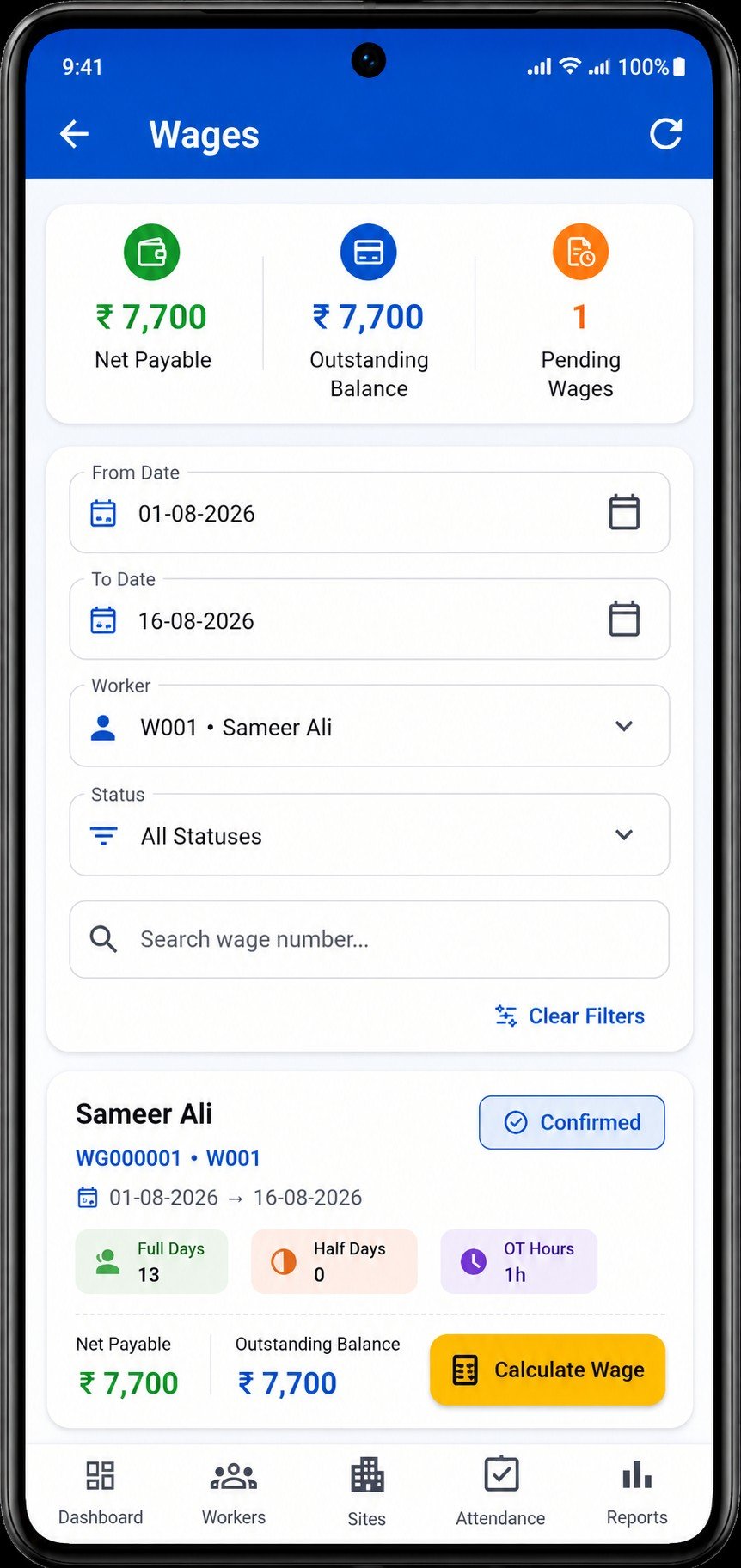
Wages & worker payments
Move from attendance to payment
Turn daily attendance and overtime into clear wage calculations, account for worker advances or deductions, confirm the wage, and track payments and outstanding balances.
- Attendance
- Wage calculation
- Advances / deductions
- Confirmed wage
- Worker payment
Site finance
Understand the true financial position of every project
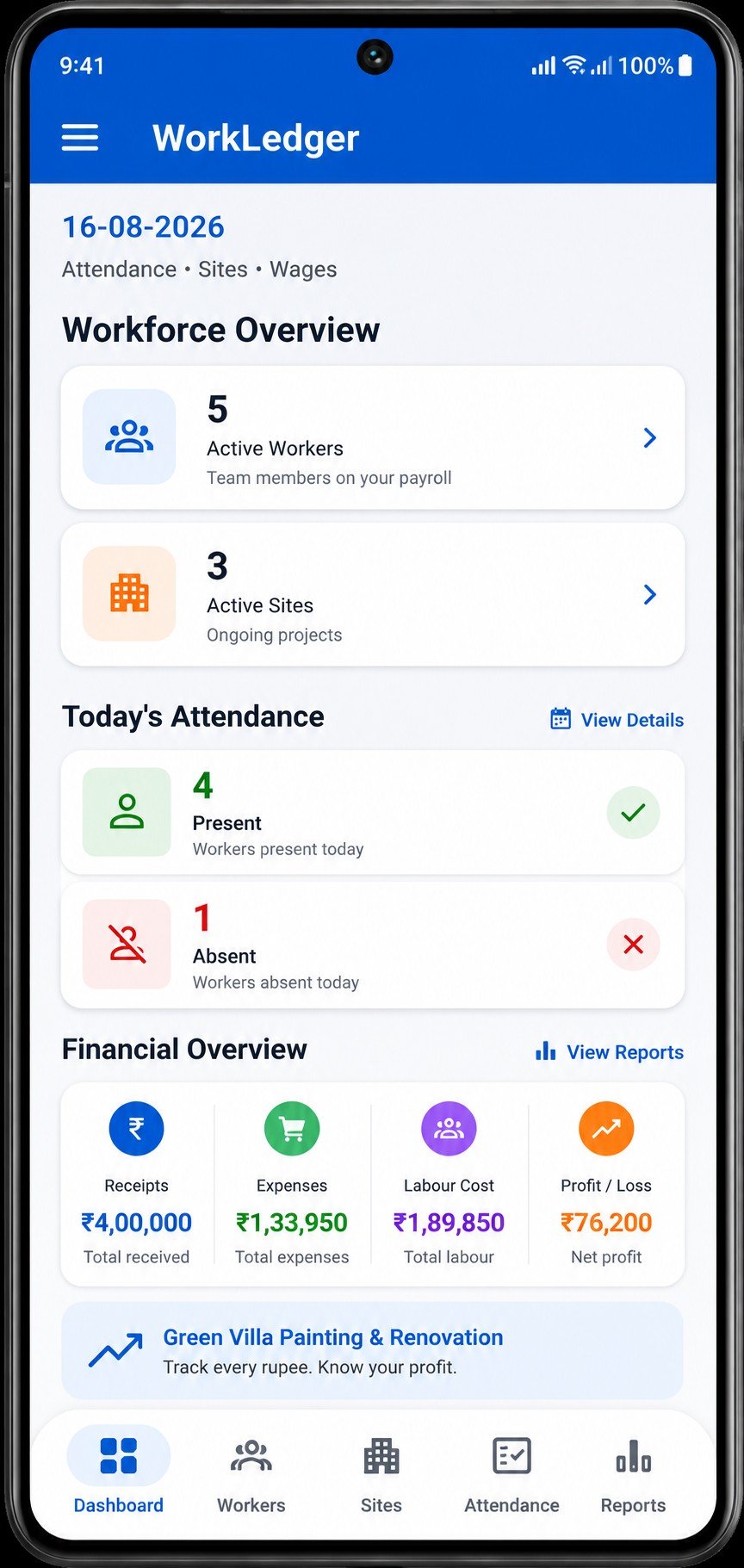
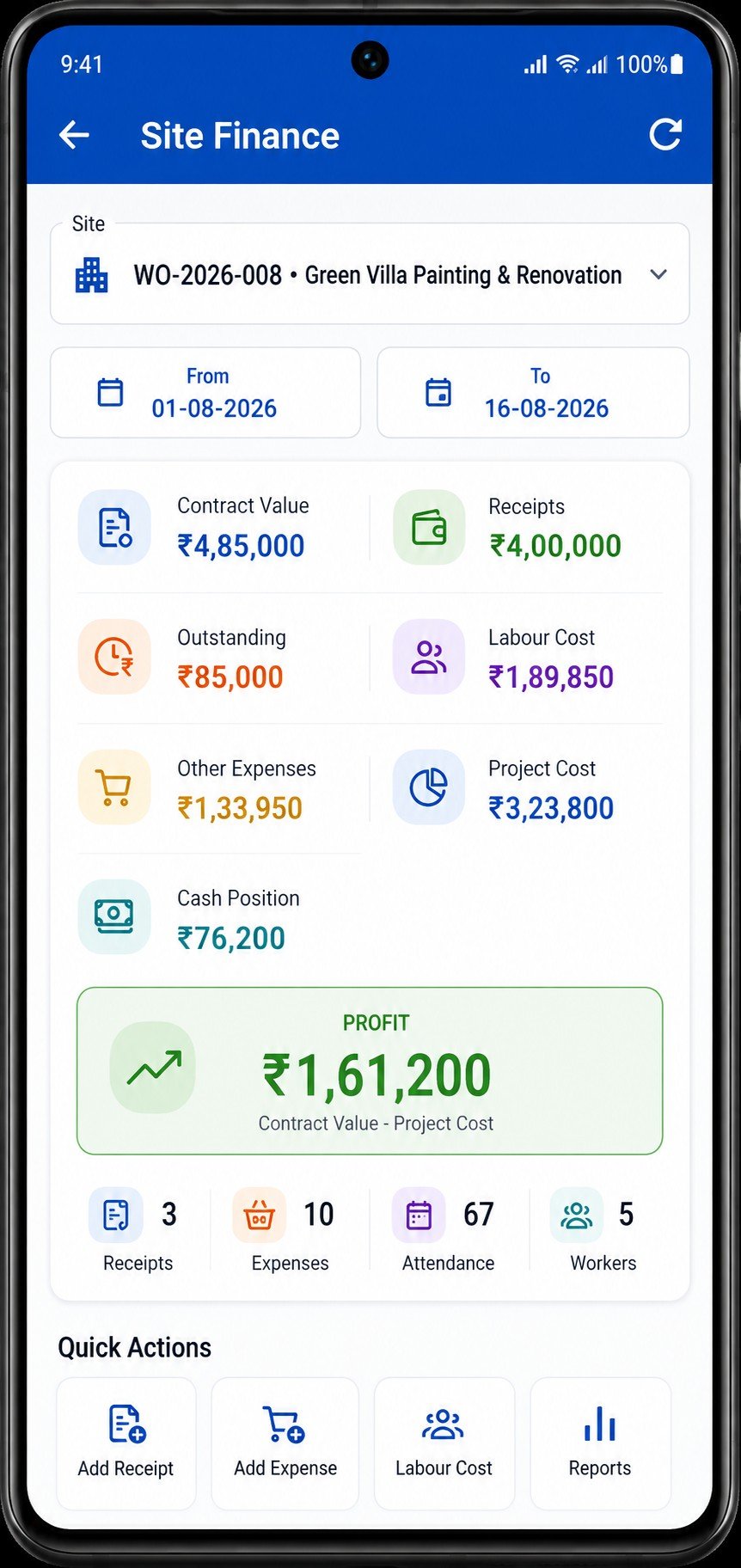
Bring contract value, client receipts, expenses and labour costs together so you can see what a site has cost, what remains receivable, its cash position where applicable, and whether the project is making a profit or loss.
Reports
Turn daily records into useful answers
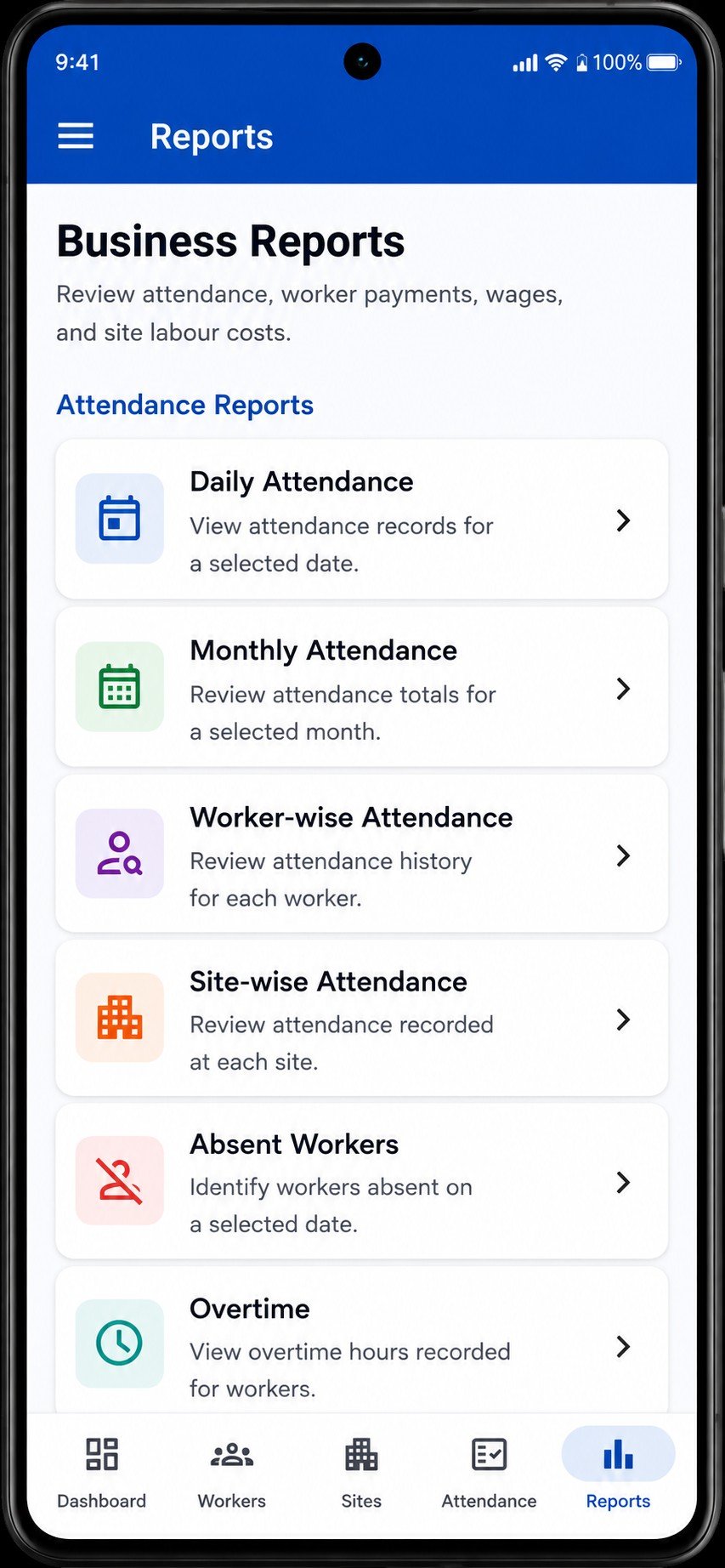
Review operational and financial reports for attendance, absences, overtime, wages and payments, labour cost, receipts, expenses and overall site performance.
Move from a workforce-wide view to worker- or site-specific detail without turning daily records into separate spreadsheets.
Backup & data control
Keep backup copies in your control
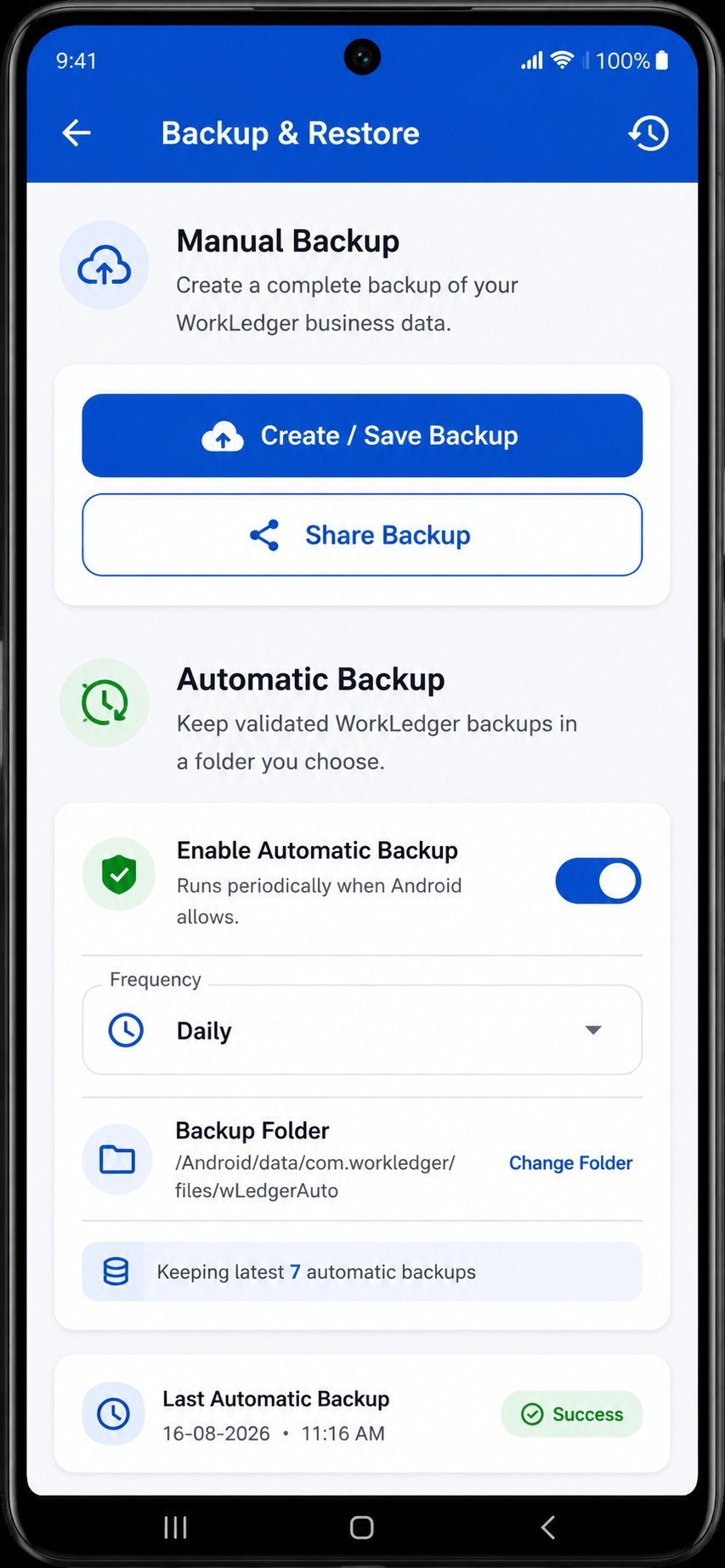
Ordinary operational business records are primarily stored on your Android device. Create manual backups, configure automatic backup, and keep usable copies in a safe location so your records can be recovered when needed.
Important: WorkLedger does not automatically synchronize operational records to e-Sahayi cloud storage.
Offline-first & privacy
Your day-to-day records stay close
Daily operational data is primarily stored locally, and ordinary offline business operations do not require continuous internet access. Connectivity is required for server-controlled registration and licensing functions, and for any other feature that explicitly needs it.
Product workflow
One connected path from setup to insight
- Create Sites & Workers
- Record Attendance
- Calculate Wages
- Record Site Receipts & Expenses
- Review Profit / Loss
- Review Reports
- Back Up Data
Android availability
Version information
Android release: Version 1.0.0.
Detailed guidance
Need help using a feature?
WorkLedger's Help Center contains step-by-step guidance for setup, workers, sites, attendance, wages, site finance, reports, backup, licensing and other application features.