WorkLedger guide
Site receipts
Record money received against the correct site with its date and reference. Keep external invoices or receipts according to your business process.
Category Sites & finance
Record site receipts
Open Site Receipts
Open Site Finance and, under Records & Reports, select Receipts to review the money recorded as received from site clients.
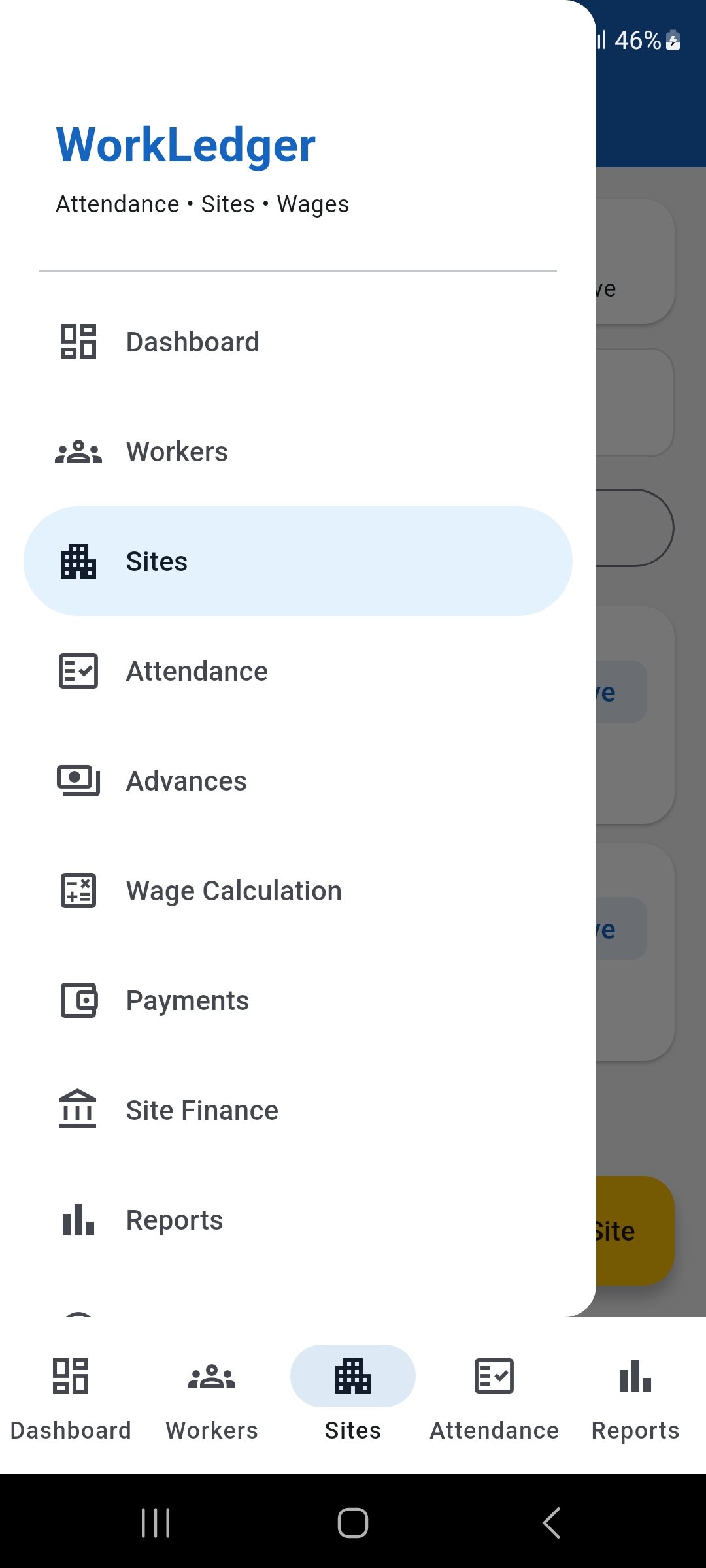
Open Site Finance and select Receipts to review site receipt records. Add a site receipt
Tap Add Receipt and make sure the receipt is assigned to the correct site before entering the transaction details.
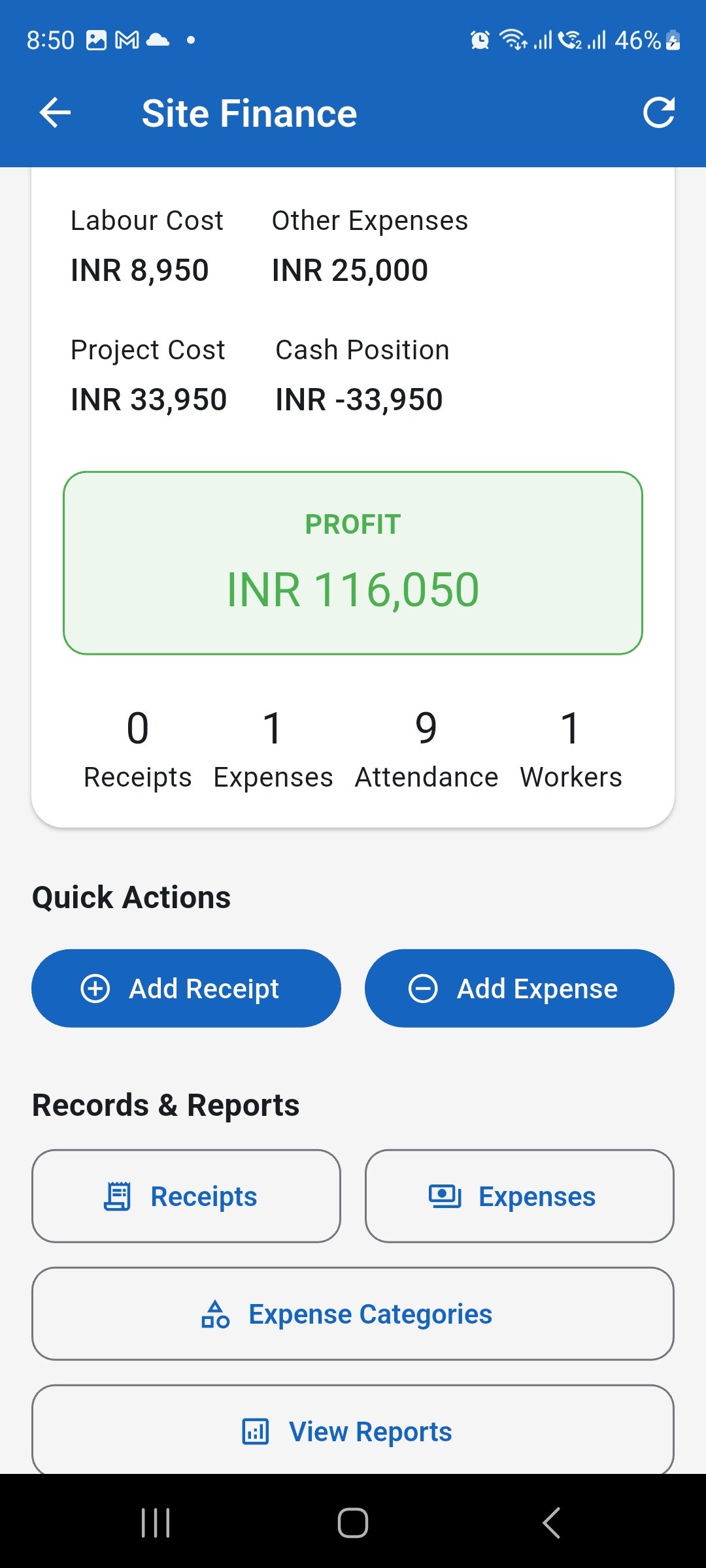
Start a new receipt and confirm that the correct site is selected. Enter the receipt details
Enter the receipt date, receipt type, amount, and payment method. Add a reference number and notes when applicable, then save the receipt.

Record the amount and supporting receipt and payment details accurately. Confirm the updated site totals
Return to Site Finance and confirm that the receipt count and financial totals have updated as expected. Reconcile the WorkLedger entry with the applicable invoice, receipt, bank record, or other source document.

Confirm the updated receipt information and reconcile it with your source records.